
Define the goal and boundaries
Provide the task, relevant files, and completion criteria. Discuss a plan for complex work and confirm consequential actions.
Goal, materials, constraints
An actionable plan
Code, research, create, and work with files. Lime understands context and uses tools on your desktop or in your terminal to produce results you can inspect, edit, and continue.
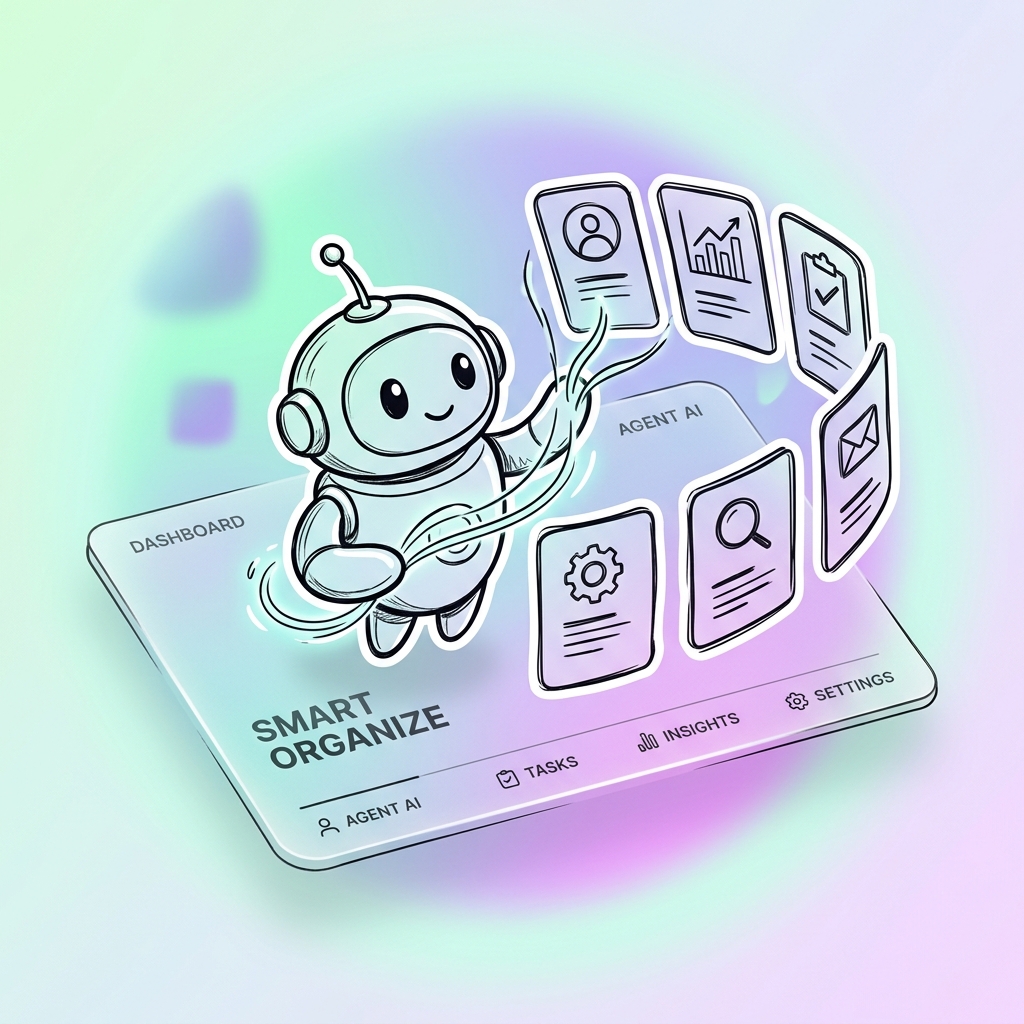
Choose a project and bring your files, references, and constraints. Let Lime understand the work, resolve open questions, and then begin.
Read and edit files, run commands, and work with web pages in one task. Follow the process, add instructions, or take over when needed.
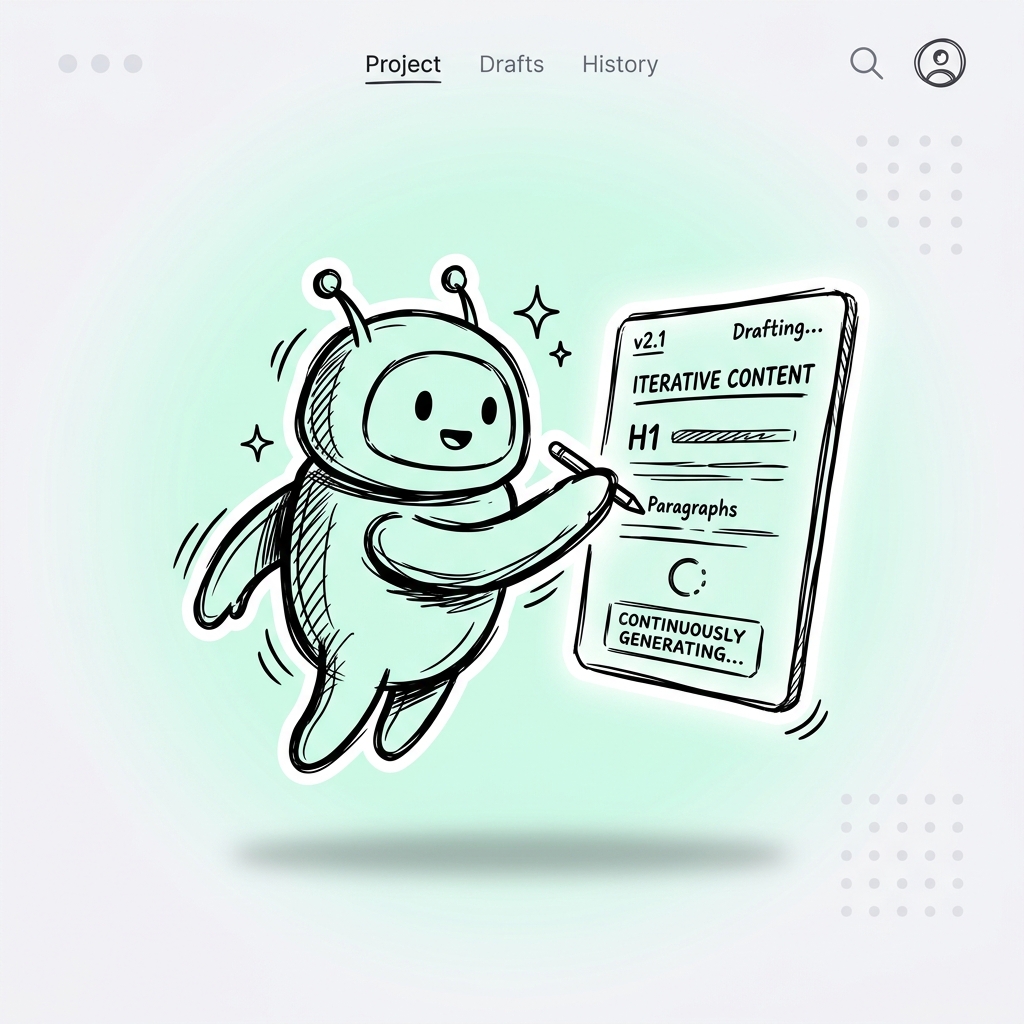
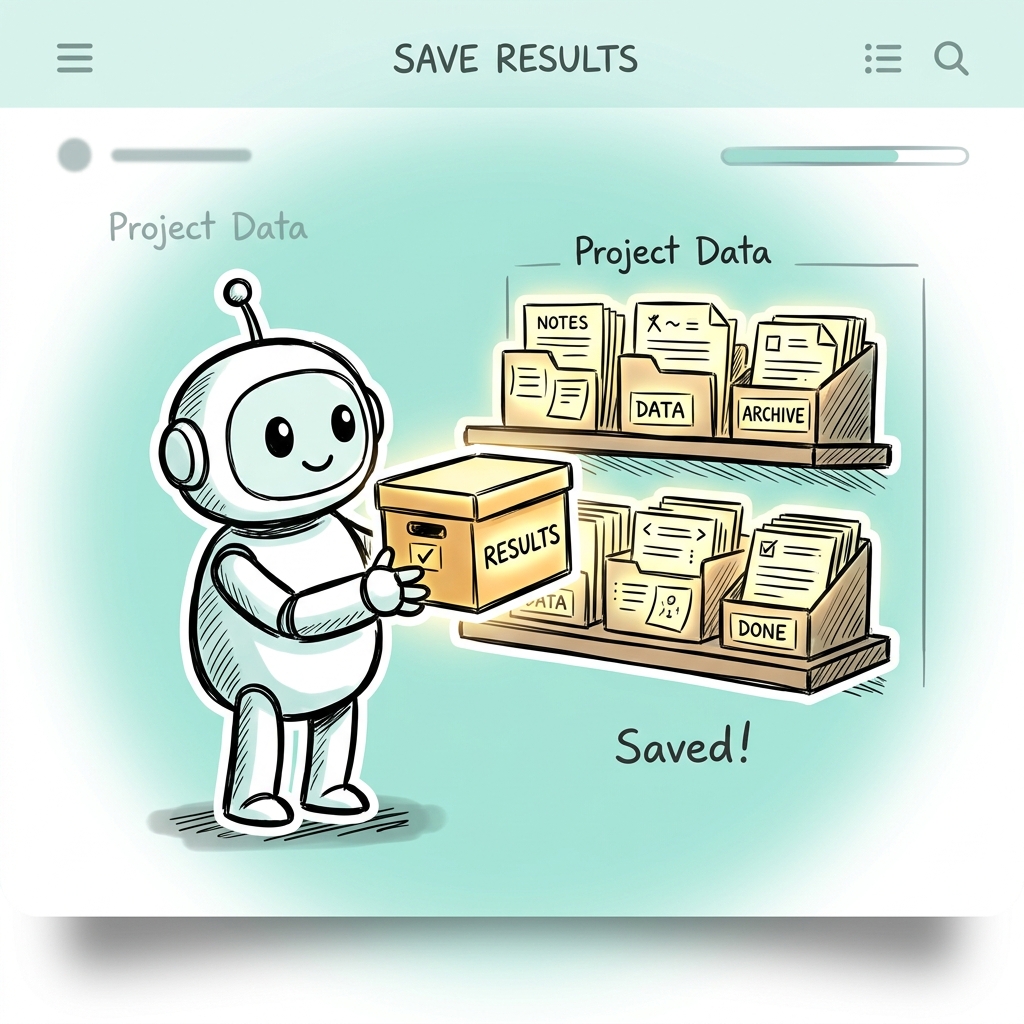
Changes, files, and task history stay with the project. Inspect the output, request revisions, and continue with the context already in place.
Start with an error, a request, or a repository. Have Lime read the code, edit files, run tests, and show you the changes and verification results.
From a problem to a reviewable change.
See the workflow (Chinese)Bring together web pages, notes, tables, and project files. Check sources, organize the argument, and create a report or an editable document.
Keep conclusions connected to evidence.
See the workflow (Chinese)Work on copy, images, and other assets from one brief. Choose models and tools for the task, preserve revisions, and turn the idea into a set of deliverables.
Turn an idea into a complete set of outputs.
See the workflow (Chinese)You define the work. Lime connects the plan, tools, and results.
Provide the task, relevant files, and completion criteria. Discuss a plan for complex work and confirm consequential actions.
Goal, materials, constraints
An actionable plan
Let the agent search, edit, run commands, and use tools. Follow the process, add context, change direction, or take over.
Project context and tools
Files, changes, and a task record
Check facts, inspect changes, and run verification. Keep useful results and bring revisions back into the same task.
Outputs and verification
Reviewed deliverables
Model providers, available tools, and permissions shape how a task runs. Keep those choices in your hands.
Define which folders and references the task can access.
Use your configured providers and tools with the capabilities the work needs.
Set permission boundaries, inspect changes, and decide what happens next.

Choose the surface that fits the task and work with your projects, tools, and preferred workflow.

Manage projects, conversations, files, and the browser in a visual workspace. Inspect the output at every step.
Get DesktopRun interactive tasks in your terminal, or use lime exec in scripts and engineering workflows.
Explore the CLITurn repeated steps into skills and connect the tools your work needs.
Extend LimeAn open-source agent for Desktop and CLI. Choose your model providers, set the boundaries, and continue the work.